Application Passwords
Application passwords let you connect to your CampusPress site through non-interactive systems like the REST API or XML-RPC without using your regular login password. This is especially useful for users who log in through Single Sign-On (SSO), since SSO passwords cannot be used for API authentication.
Application passwords are secure and can be revoked at any time, however, they cannot be used to log in to the dashboard directly.
Use an application password when:
- You want to connect an external app or script to your WordPress site using the REST API.
- You want to avoid sharing your main login credentials for automated or programmatic access.
How to Create an Application Password
1. Log in to your WordPress dashboard.
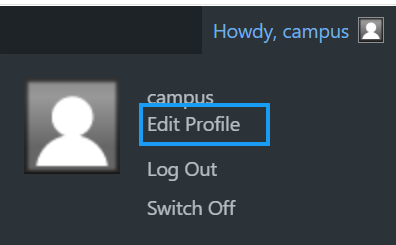
2. Go to Users > Profile (or Edit Profile if you are viewing your own account).
3. Scroll down to the Application Passwords section.
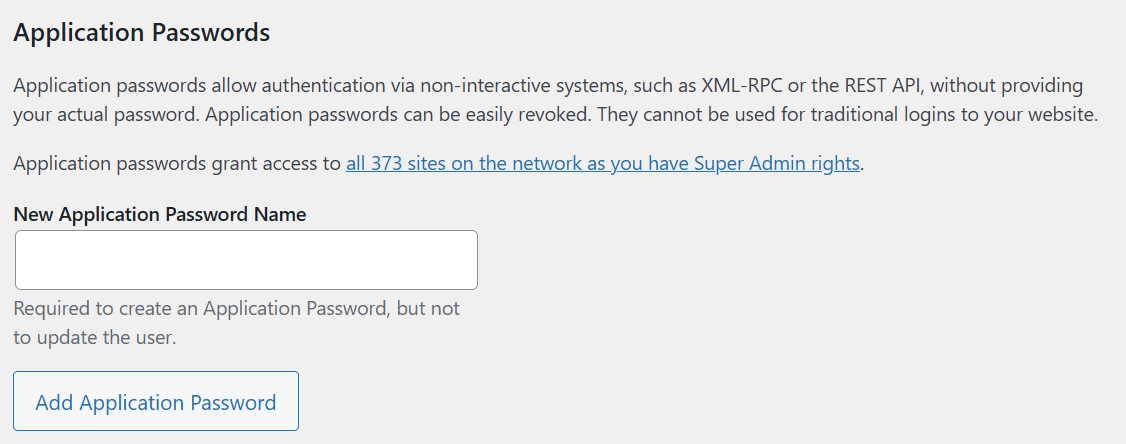
4. In the field labeled New Application Password Name, enter a name to help identify where or how the password will be used.
- Example: “API Access for Data Sync”
5. Click the Add New Application Password button.
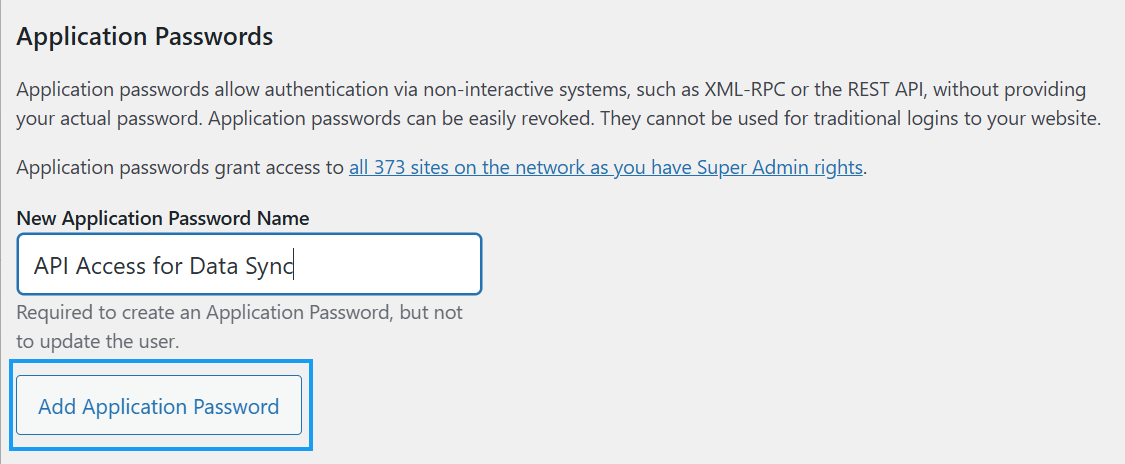
6. A new password will be generated and shown on the screen. Copy and save it immediately, as it will not be displayed again.
Once saved, you can use this password for authentication through the WordPress REST API or other compatible systems.
How to Revoke an Application Password
If you no longer need access for a specific application or you suspect the password has been compromised, you can revoke it. To do this:
- Return to the Application Passwords section in your profile.
- Locate the password you want to remove.
- Click the Revoke all application passwords button.
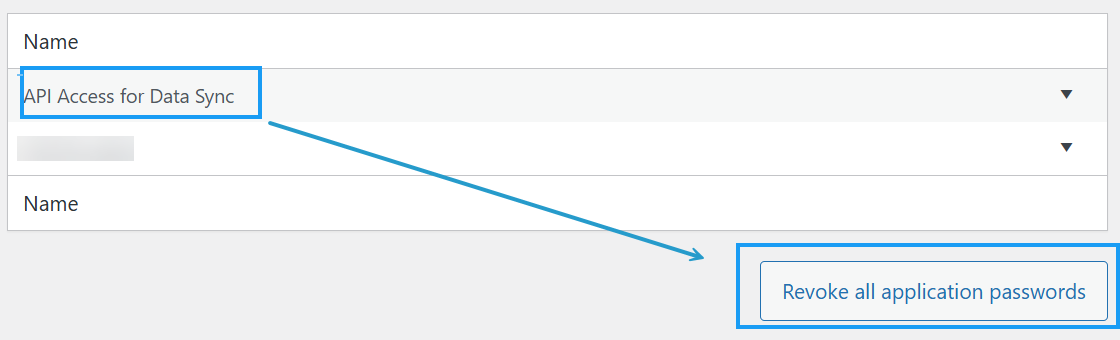
After revoking, that password will no longer work for API authentication.
Important Notes
- Application passwords are specific to each user account.
- They can only be used for REST API or XML-RPC access, not for logging in to WordPress directly.
- Always store your application passwords securely.
- If you delete a user account, all associated application passwords are automatically removed.
By using application passwords, you can safely grant and manage programmatic access to your WordPress site without sharing your main login credentials.
