PublishPress Future Plugin
The PublishPress Future plugin allows you to add an expiration time and date to posts. This can be configured to either delete the post, change it to a draft, stick or unstick a post, make a post private or update the post categories when it expires.
ADD EXPIRATION TIME AND DATE
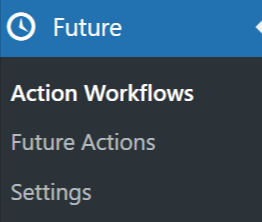
Once the PublishPress Future plugin has been activated in Plugins > All Plugins a new menu item will be added to your admin dashboard called Future.
You will also see a PublishPress Future module on the post/page editor sidebar.
You add an expiration as follows:
1. Scroll down to the PublishPress Future module in Post or Page edit and select Enable Future Action.

2. Select how you want the post, or page, to expire.
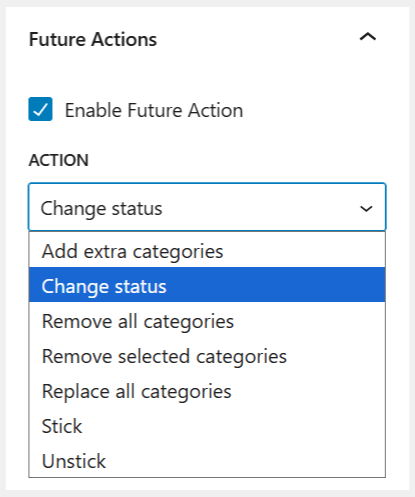
3. Enter the date and time.
- The date and time is based on the time you have set in Settings > General.
- By default, all new sites created are set to UTC (Coordinated Universal Time) which is in London, UK.

4. Click post or page Update to save settings.
PublishPress Future SETTINGS
In Future > Future Actions, you have a number of options available to further customize your settings.
GENERAL SETTINGS
Defaults
Here you can edit your default settings for Date Format, Time Format, as well as default Date/Time Duration.

Expiration Email Notification
Used to send an email when a post expires.

Display Settings
Shortcode
You can customize this output with three extra formatting options.

Post Footer Display
Enabling this option displays the expiration date automatically at the end of any post which is set to expire. Footer content text and styling can also be changed here.

Default Formats
Setting the default date and time formats.

Post Types settings
Default Values
The Defaults Values settings allows you to set the default actions or values to be used for each for the corresponding post types. These values can all be overwritten when creating or editing the post or page.
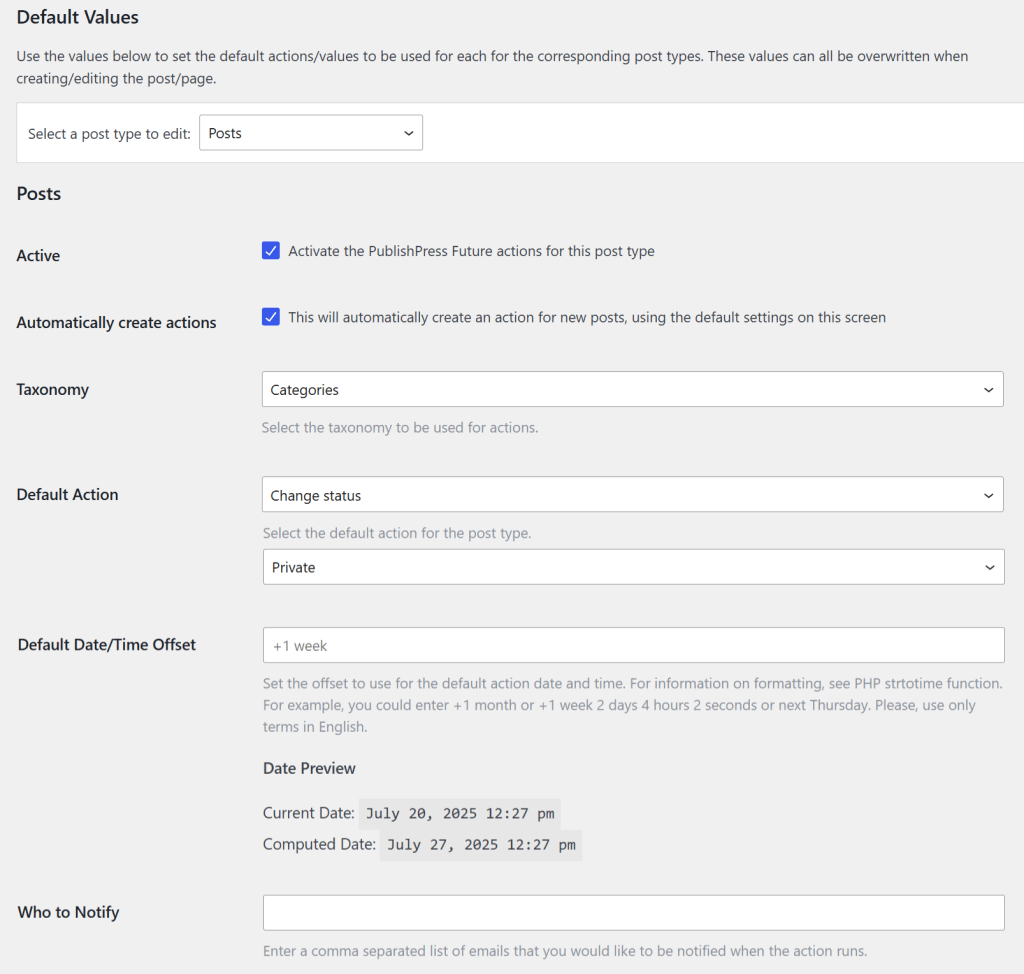
Note: The Taxonomy (Hierarchical) settings can only be selected for Posts. Taxonomy options are not available for Pages.
Advanced Settings
Advanced Settings are for more advanced users only, and it is advisable not to update anything here if unsure of the outcome.
